Follow these step-by-step instructions to install Unity:
- Access Unity: Go to unity.com/download in your web browser and click Download for Windows.

-
After it finishes downloading: Agree to the Terms of Service and choose a location to install.
-
After it finishes Installing: Click on “Finish”.
-
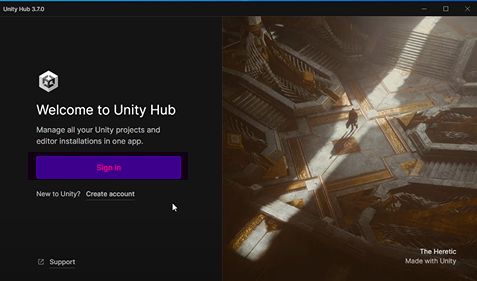
Make a Unity account: It’ll ask you to Sign in to Unity hub so click on “Sign in” and make an account if you don’t have one.
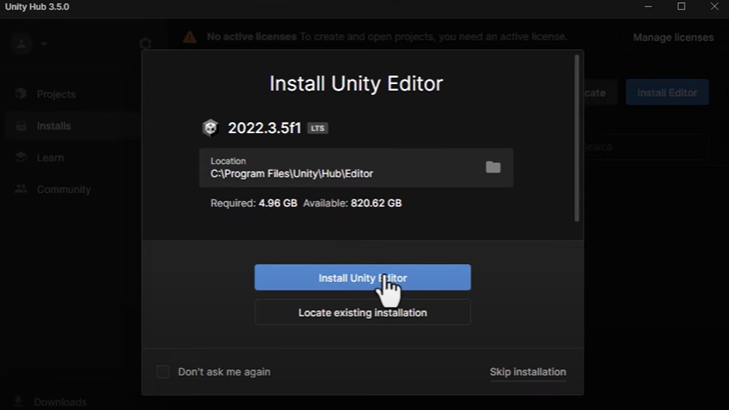
- With Unity hub open: It’ll ask you to install the latest editor here click on “Install Unity Editor” (Note: the version may differ depending on the time of installation).
Congratulations! You’ve successfully installed Unity! If you have any questions or need further assistance, don’t hesitate to reach out to us.